
Match the popup to the visit
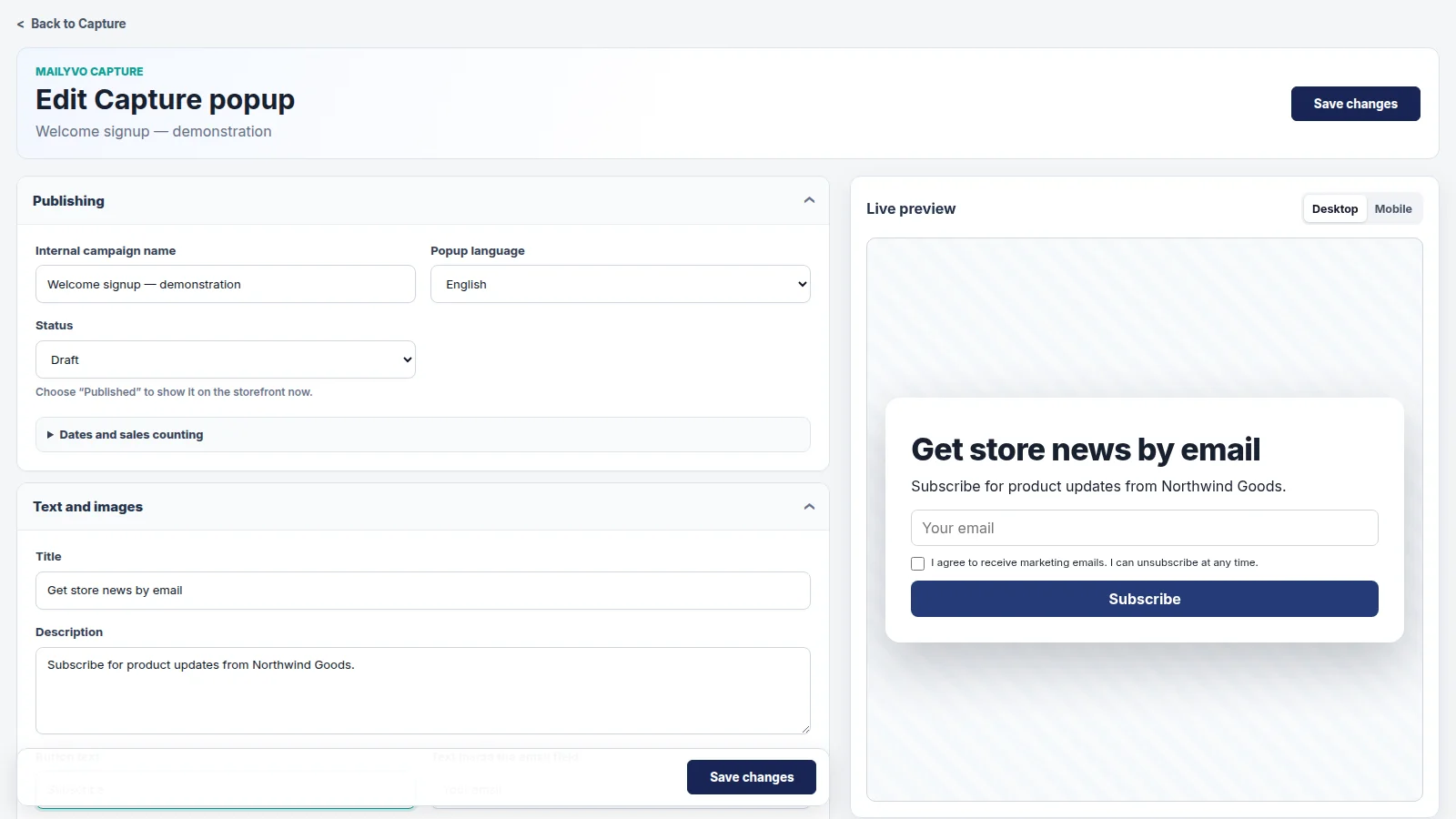
Choose storefront pages, audience targeting and desktop or mobile display rules. Decide when the popup should appear and how often it can reappear. Review the mobile layout so the form and close control remain usable on a small screen.
Keep the offer and consent clear
Use an honest headline, a visible email field and explicit marketing consent. If you offer a discount, use the supported configuration and check the actual terms. Do not imply a discount exists unless you have configured it. Double opt-in can be used when required by your setup.
Publish and verify the storefront
Save the popup, publish it and enable the MailYVO Capture app embed in the active Shopify theme. Publishing a configuration does not prove it is visible: open the targeted page on desktop and mobile and complete a consented test signup. Review submissions and attributed orders in reports.
A plan based on subscribers. Sending included.
The first 250 Shopify email subscribers are free. Paid tiers grow with your subscribed audience, rather than the number of emails you send. Newsletters, popups, templates, automations and reporting are included.
Pricing